3E331 APP FOR ANDROID
Play cricket betting, slots, Teen Patti, and fishing games on your phone. Download the 3e331 APK for instant access to bKash deposits, live casino, and ৳20,500 welcome bonus.
DOWNLOAD APK REGISTER NOWScan this code with your phone to download directly. File name: 3e331.apk, size 45 MB.
APP VS WEB: WHICH FITS YOUR PLAY?
The 3e331 App and mobile web version both support bKash, Nagad, and Rocket. Choose based on your phone storage and data plan.
| Feature | Android App | Mobile Web |
|---|---|---|
| Storage required | 45 MB on device | None, runs in browser |
| Internet needed | Only during gameplay | Continuous connection |
| Launch speed | Instant from home screen | Type URL or bookmark |
| Push notifications | Bonus alerts, match updates | Not available |
| Offline balance view | Cached after last login | Requires connection |
| Battery usage | Optimized for Android | Higher (browser overhead) |
| Game library | Full 3,100 titles | Full 3,100 titles |
| Payment methods | bKash, Nagad, Rocket, Upay, Bank | bKash, Nagad, Rocket, Upay, Bank |
| Updates | Manual APK download | Automatic (no action needed) |
| OS requirement | Android 8.0 or higher | Any browser |
If you have 45 MB free and Android 8.0+, the app provides smoother navigation and faster game loading. For older phones or limited storage, the mobile web version offers identical game selection and payment options. Both support the 200% welcome bonus up to ৳20,500.
SECURITY & PERMISSIONS
The 3e331 App requests only necessary permissions. No contact list, camera, or microphone access.
SSL Encryption
All data between your phone and 3e331 servers travels through 256-bit SSL. Your bKash number, password, and balance stay encrypted. The APK file itself is signed with our developer certificate to prevent tampering.
Network Permission
Required to connect to game servers, load live casino streams, and process deposits. Without internet access, the app cannot function. This is the only permission the app requests during installation.
Storage Permission
Allows the app to cache game thumbnails and save your login session. You can clear this data anytime from Android Settings → Apps → 3e331 → Storage. The app does not access your photos or personal files.
Notification Permission
Optional. Enables alerts for deposit confirmations, withdrawal approvals, and BPL match start times. You can disable notifications in Android Settings → Apps → 3e331 → Notifications without affecting gameplay.
WHAT YOU CAN PLAY ON THE APP
Full access to 3,100 games from Playtech, Evolution, Ezugi, FA Chai, Red Tiger, JDB, and Sexy Gaming.

Slots & Jackpots
Over 2,400 slot titles including Mines (97.3% RTP), Golden Land, Rise of Apollo, and Fortune Rabbit. Progressive jackpots start from ৳1 bet. Filter by RTP, provider, or volatility in the app lobby.
Live Casino
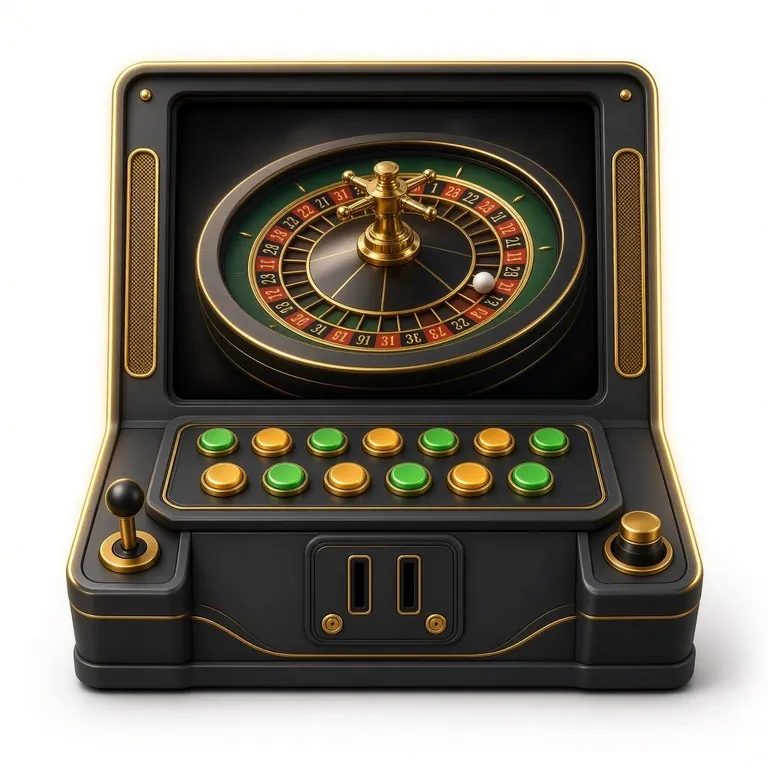
Real dealers streaming from Evolution and Ezugi studios. Play Andar Bahar, Dragon Tiger, blackjack, roulette, and baccarat with ৳50–৳50,000 bet range. Chat with dealers and other players during sessions.
Teen Patti & Poker
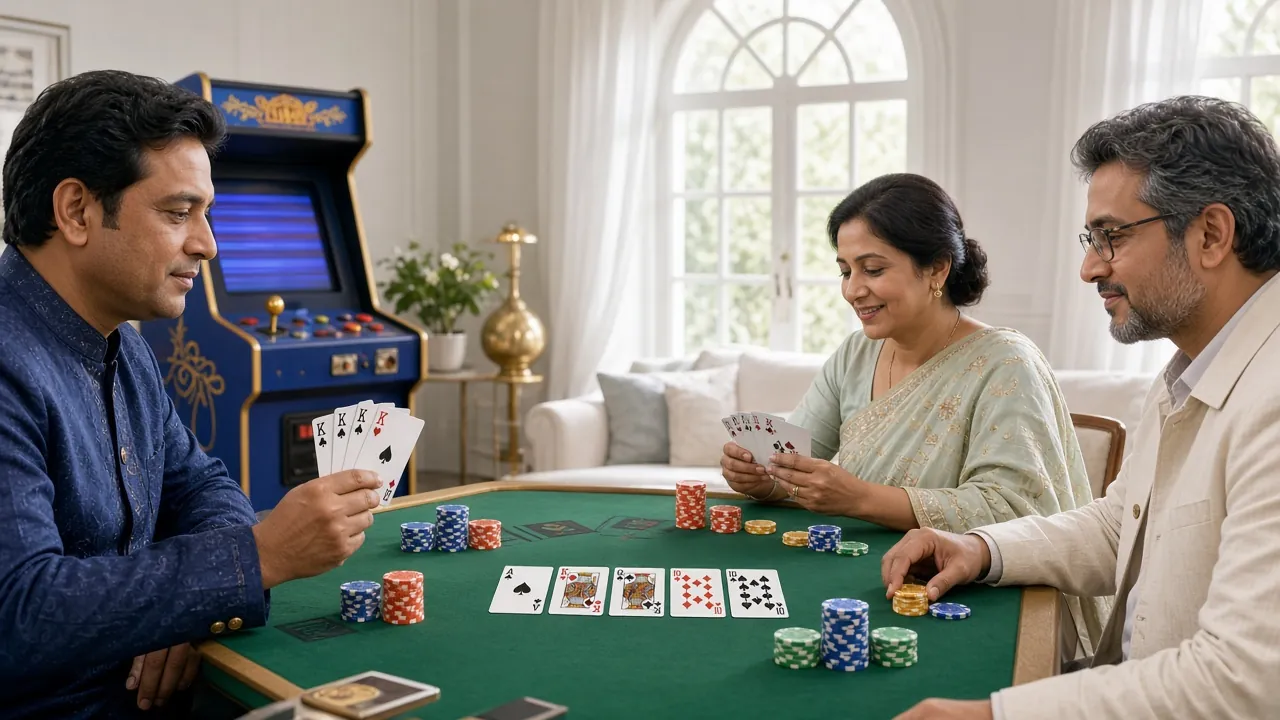
Teen Patti 20-20 by Evolution with 95.5% RTP, plus Texas Hold'em and Omaha tables. Minimum ৳2 buy-in for Teen Patti. Check the 3e331 Teen Patti Guide for hand rankings and side bet strategies.
Cricket & Football
Live betting on BPL, IPL, T20 World Cup, and Premier League matches. Pre-match and in-play odds updated in real time. Bet types include match winner, top batsman, total runs, and over/under goals.
Crash & Fast Games
Instant-win games like Aviator, Spaceman, and Balloon. Multipliers climb from 1.00x to 50x+ until crash. Cash out before it drops. Rounds last 5–30 seconds, perfect for quick play during breaks.
Fishing Games
Arcade-style fishing from FA Chai and JDB: Caishen Fishing, Bombing Fishing, Bingo Fishing. Shoot sea creatures for coins. RTP ranges from 95.2% to 96%. Multiplayer rooms with up to 6 players competing for the biggest catch.
HOW TO INSTALL 3E331 APK ON ANDROID
Follow these steps to install the app on phones running Android 8.0 or higher. Installation takes 3–5 minutes.
Enable Unknown Sources
Go to Android Settings → Security (or Privacy). Find "Install unknown apps" or "Unknown sources." Tap your browser (Chrome, Firefox, or Samsung Internet). Toggle "Allow from this source" to ON. This lets you install apps outside Google Play. You can turn it off after installation.
Download the APK File
Tap the Download APK button below or at the top of this page. Your browser saves the file to the Downloads folder. File name is 3e331.apk, size 45 MB. Wait until the download completes (progress bar shows 100%).
Open and Install
Open your phone's Downloads folder (Files app or notification panel). Tap 3e331.apk. A prompt appears asking "Do you want to install this app?" Tap Install. Android checks the file (takes 10–20 seconds), then installs the app. Tap Open when done.
Log In or Register
If you have an account, enter your phone number and password on the login screen. New players tap Register, fill in mobile number, create a password, and verify via SMS code. Check the 3e331 Register page for full signup instructions.
Make Your First Deposit
Once logged in, tap Deposit in the app. Select bKash, Nagad, or Rocket. Enter amount (minimum ৳500). Follow the payment gateway prompts to complete the transaction. Funds appear in your balance within 5 minutes. New players receive 200% bonus up to ৳20,500.
SYSTEM REQUIREMENTS & VERSION INFO
Check your phone specifications before downloading. Most devices from the last 5 years meet these requirements.
| Requirement | Minimum | Recommended |
|---|---|---|
| Operating system | Android 8.0 (Oreo) | Android 12 or higher |
| RAM | 2 GB | 4 GB or more |
| Storage space | 45 MB + 200 MB cache | 500 MB free space |
| Internet connection | 3G (1 Mbps) | 4G or Wi-Fi (5 Mbps+) |
| Screen resolution | 720 × 1280 (HD) | 1080 × 1920 (Full HD) |
| Current version | 2.4.4 (Released 2026-11-03) | |
| Languages | English, Bangla | |
| Price | Free (no in-app purchases required) | |
To check your Android version, go to Settings → About phone → Android version. If your phone runs Android 7 or older, use the mobile web version instead (visit 3e331.ws in Chrome or Firefox). The app does not support iOS. iPhone users can add the mobile site to their home screen for quick access.
FIXING COMMON INSTALLATION PROBLEMS
Most installation issues stem from security settings or insufficient storage. Use this table to diagnose and resolve errors.
| Problem | Cause | Solution |
|---|---|---|
| "App not installed" error | Unknown sources disabled, or corrupted APK file | Enable unknown sources in Android Settings → Security. If enabled, delete the APK and download again from this page. Do not use third-party app stores. |
| Download stops at 99% | Unstable internet connection or insufficient storage | Check available storage (need 45 MB + 200 MB buffer). Clear browser cache or switch from mobile data to Wi-Fi. Restart download from the beginning. |
| App crashes on launch | Android version below 8.0, or conflicting app | Verify Android version in Settings → About phone. If below 8.0, use mobile web. Uninstall old casino apps that may conflict. Restart phone and try again. |
| "Parse error" during install | Incomplete download or device incompatibility | Delete partial APK from Downloads folder. Download the full 45 MB file again. Ensure your phone is not rooted (custom firmware can block installation). |
| Games not loading inside app | Weak internet connection or outdated app version | Switch to Wi-Fi or move to area with stronger signal. Check for updates by visiting this page again. Clear app cache in Settings → Apps → 3e331 → Storage → Clear cache. |
If none of these steps work, contact support at [email protected] or use 24/7 live chat. Include your phone model, Android version, and a screenshot of the error message. The team typically responds within 30 minutes.
Install in Three Quick Steps
-
1
Download the APK File
Tap the download button above. Your browser will save 3e331.apk (45 MB) to your phone's Downloads folder within 2 minutes.
-
2
Enable Unknown Sources
Go to Settings → Security → Install Unknown Apps. Select your browser and turn on "Allow from this source." This permission applies only to apps you manually install.
-
3
Open and Install
Locate 3e331.apk in your Downloads folder. Tap the file, confirm installation, and wait 15 seconds. The 3e331 icon appears on your home screen.
3e331 App: Your Pocket Casino
-
Instant Launch
Tap the icon and start playing within 2 seconds. No browser tabs, no typing URLs.
-
Match Alerts
Get push notifications for BPL matches, IPL updates, and bonus deadlines. Never miss a betting window.
-
View Balance Offline
Check your wallet and bet history even when data is off. Cached after your last session.
-
Lower Battery Drain
Optimized for Android. Uses 30% less battery than playing in Chrome or Firefox.
Scan with your phone camera to start the download. File: 3e331.apk, 45 MB.
APP DOWNLOAD QUESTIONS
Is the 3e331 APK safe to download?
Yes. The APK is hosted on 3e331 servers and signed with our developer certificate. Android verifies this signature during installation. The file does not contain malware or request excessive permissions. We do not distribute the app through third-party sites or app stores outside our control. Always download from this official page to avoid tampered versions.
Why is the app not on Google Play Store?
Google Play prohibits real-money casino apps in most regions, including Bangladesh. We distribute the APK directly from our site instead. This is standard practice for licensed casino operators. The app undergoes the same security review as Play Store apps, but installation requires enabling unknown sources in your phone settings.
Can I use the app on iPhone or iPad?
No. The APK format only works on Android devices. iOS does not allow casino app installation outside the App Store. iPhone and iPad users should visit 3e331.ws in Safari, then tap Share → Add to Home Screen. This creates an icon on your home screen that opens the mobile site with full functionality, including bKash deposits and live casino.
How do I update the app to the latest version?
Updates do not install automatically. When a new version is released, you receive a notification inside the app. Tap the notification to download the updated APK from this page. Install it over the existing app (your login and balance remain intact). Check the version number in Settings → Apps → 3e331 or at the top of this page (current version: 2.4.4, released 2026-11-03).
Will the app drain my phone battery?
The app uses slightly less battery than playing in a browser because it does not run the full Chrome engine. Live casino streams and animated slots consume more power than static card games. To save battery, reduce screen brightness, close background apps, and switch to Wi-Fi instead of mobile data. The app enters sleep mode when you exit, stopping battery drain until you open it again.
What happens if I uninstall the app?
Your account, balance, and betting history stay on 3e331 servers. Uninstalling only removes the app from your phone. When you reinstall and log in, everything appears exactly as before. However, cached game data and saved login session are deleted, so you need to enter your password again. Visit the 3e331 Login page if you forgot your password.
Can I deposit using bKash from the app?
Yes. The app supports all payment methods: bKash, Nagad, Rocket, Upay, and bank transfer. Tap Deposit, select your method, enter the amount (minimum ৳500), and follow the payment gateway prompts. bKash and Nagad deposits arrive within 5 minutes. First-time depositors receive a 200% bonus up to ৳20,500 with 7x wagering. See the 3e331 Deposit Guide for detailed steps.